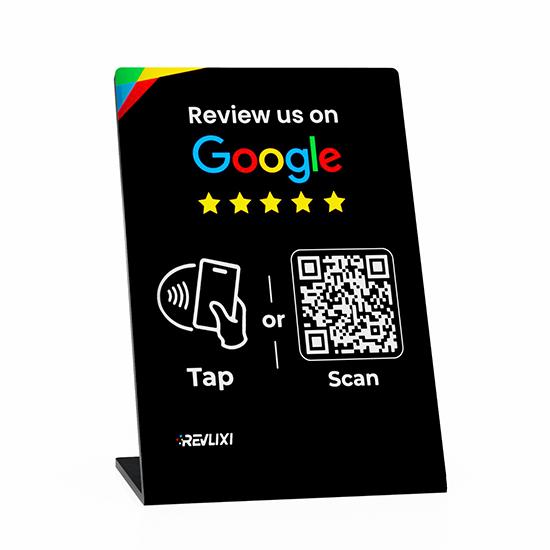
Classic review stand
For counters and reception desks.
Explore in the shop
Give customers an easy way to share their experience on Google. Revlixi stands and cards connect your business with a tap or QR scan.
Already have a card? Activate it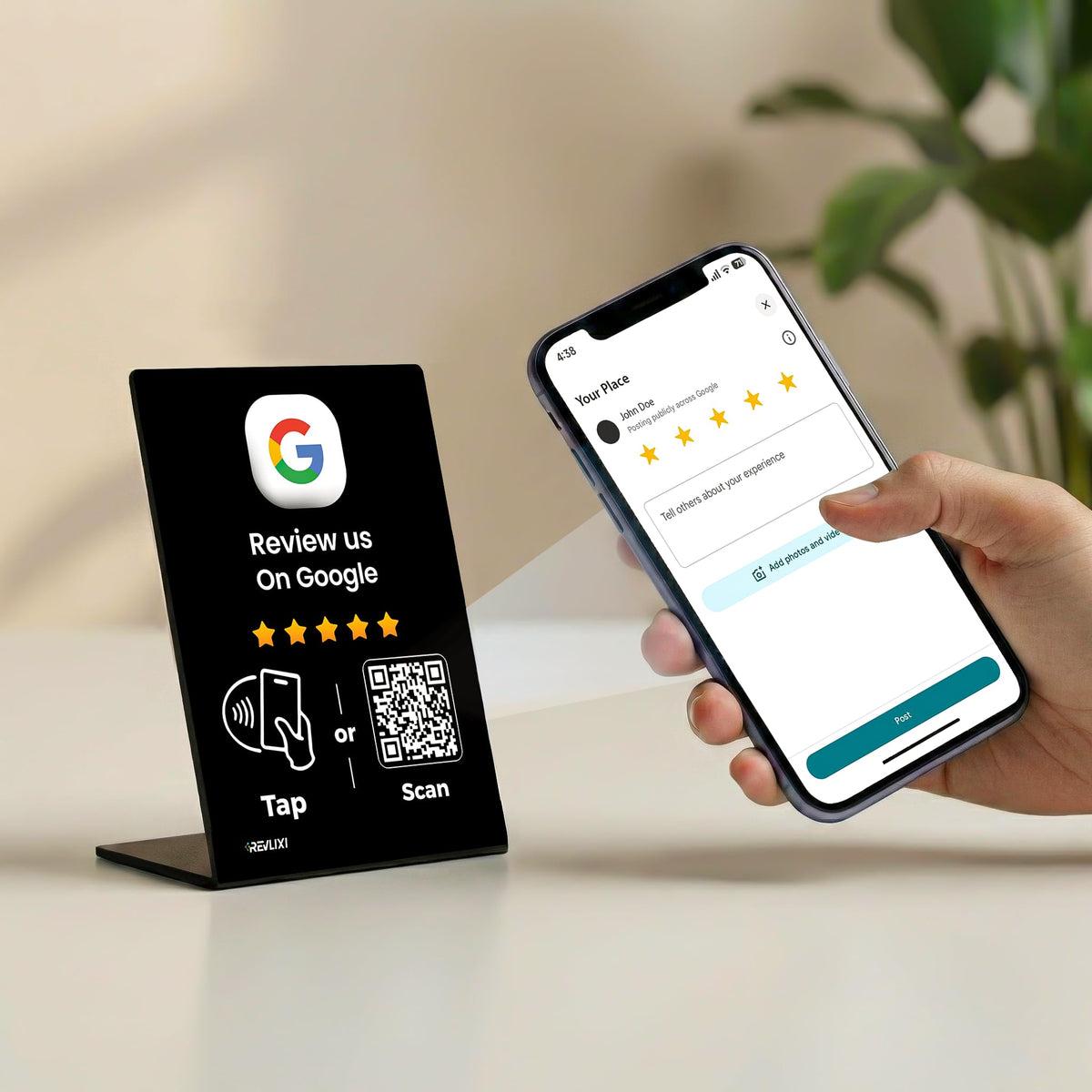
From the front desk to the checkout, make it easy for customers to find your Google review page.
For counters and reception desks.
Explore in the shop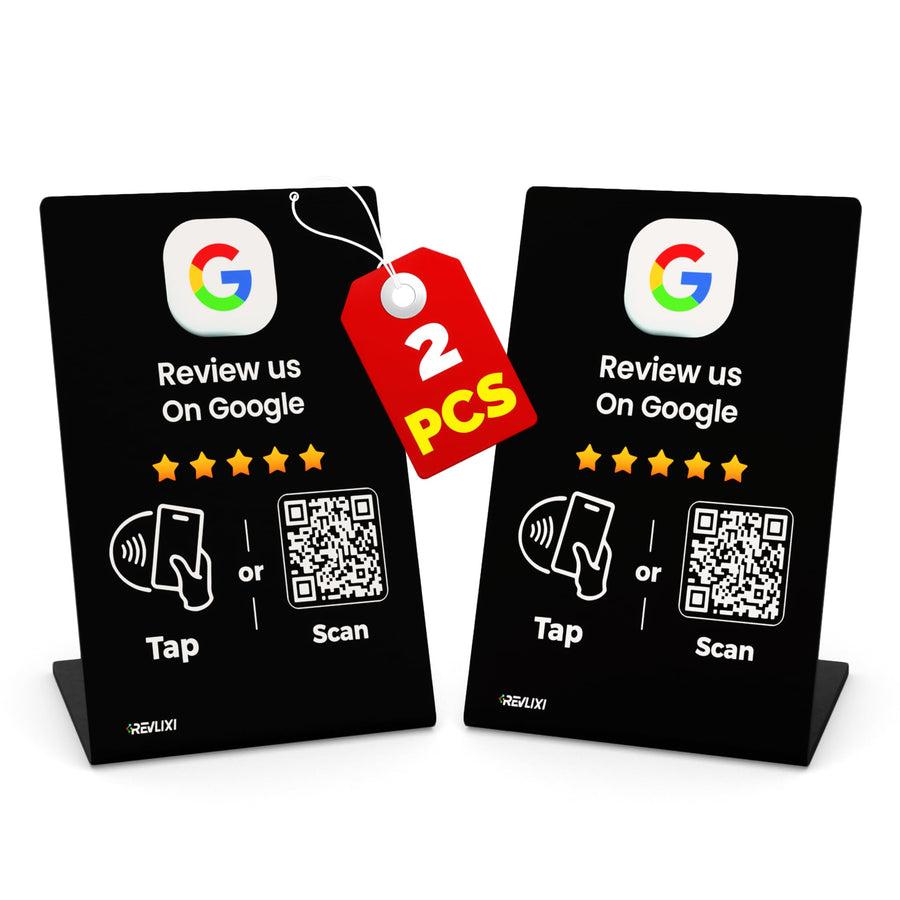
A clear invitation to tap or scan.
Explore in the shop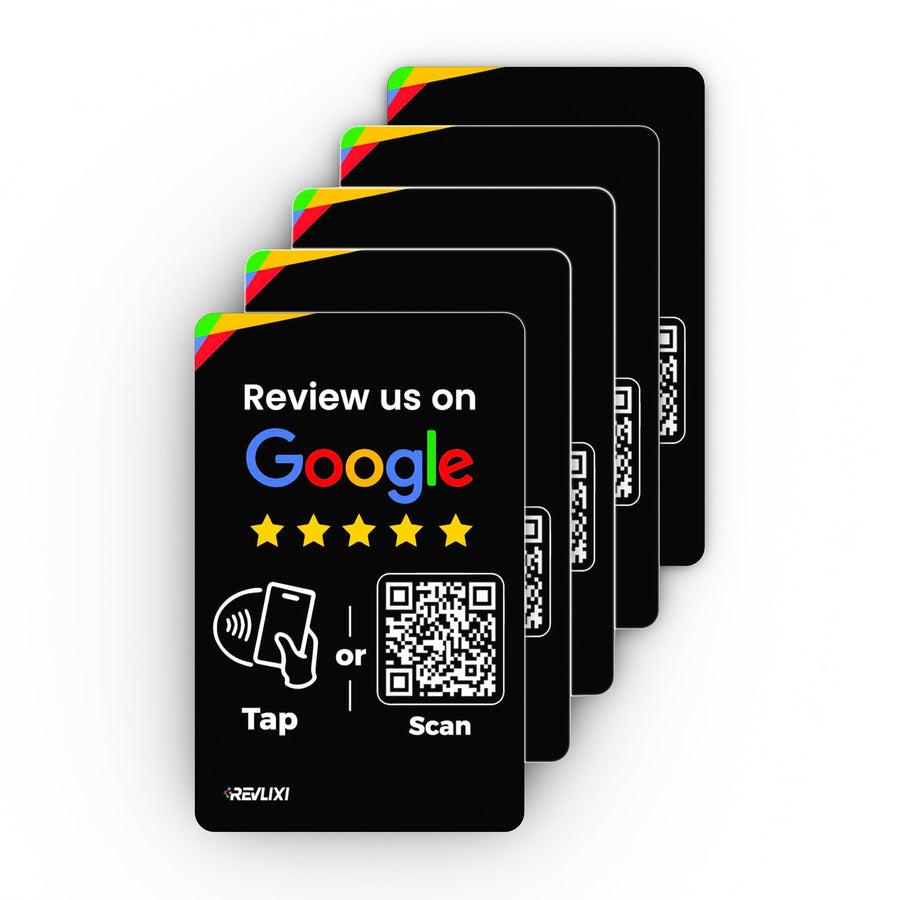
A review link you can hand over.
Explore in the shopScan your product and follow the activation steps to connect your Google review link.
Place your stand on the counter or share a card. Customers tap with a compatible phone or scan the QR code.
Manage your cards, business connections and recorded activity in your Revlixi workspace.
Choose your Revlixi product, or get the one you already own ready to use.